
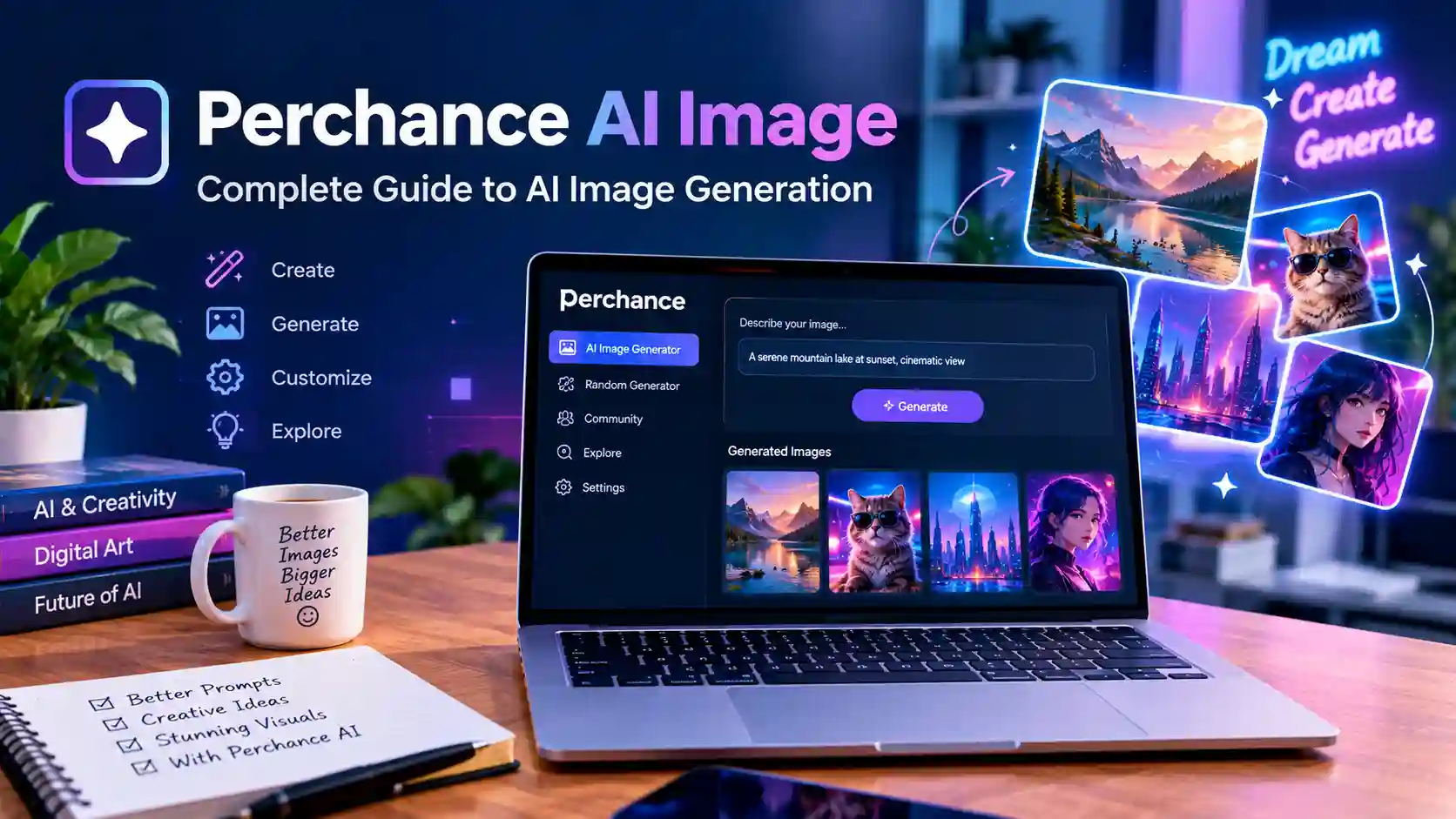
AI image generation has changed how people create visual content. However, finding an easy image generator can still feel confusing. Many tools offer complex controls, paid plans, or difficult interfaces. Perchance AI image tools provide another approach for people who want to explore AI-generated visuals with simple text prompts.
For beginners, the biggest challenge is often knowing what to write in a prompt. A good prompt can produce a useful image, while a vague prompt may create an unexpected result. Therefore, understanding how perchance ai image generation works can help users create better visuals. This guide explains the platform concept, prompts, settings, use cases, limitations, and practical tips.
What Is Perchance AI Image Generation?
Understanding Perchance AI Image Tools
Perchance is an online platform known for creative generators and interactive content. Its ecosystem includes tools that can help users experiment with AI-generated content. An AI image generator can turn written descriptions into visual outputs based on available models and settings.
The main idea is simple. A user describes a desired scene using natural language, and the generator processes that description. The final image depends on the prompt, selected options, model behavior, and other available settings. Because results can vary, users often create several versions before finding a preferred result.
How Text Prompts Create Images
Text prompts act as instructions for an AI image generator. They can describe people, places, objects, lighting, colors, poses, clothing, backgrounds, and artistic styles. More useful details can help guide the visual direction without making the prompt unnecessarily complicated.
For example, a simple prompt may describe a futuristic city at night. A detailed prompt could add glowing signs, rainy streets, reflective surfaces, cinematic lighting, and a wide camera view. Consequently, better prompt structure can give the generator clearer visual information to work with.
Why People Explore Perchance AI Image Tools
People explore AI image generators for many different reasons. Some users want social media graphics, while others create concept art, fictional characters, wallpapers, or visual ideas. Students may also experiment with generated images for creative projects and presentations.
Another reason is experimentation. AI image generation allows users to test visual concepts without traditional drawing skills. However, the quality of results can depend heavily on the tool and prompt. Therefore, users should treat generated images as creative outputs rather than guaranteed perfect results.
How Perchance AI Image Generation Works
Writing the Main Prompt
Writing the main prompt is the first step in most AI image workflows. The prompt tells the system what to create and provides the main visual direction. Different generative AI models may interpret the same prompt in different ways, so understanding how these models work can help users create clearer instructions.
Additional details can then describe the environment and visual style. This structure helps keep the main subject clear. Furthermore, users can mention lighting, perspective, colors, clothing, weather, and mood. A focused prompt is often easier to adjust than a long collection of unrelated ideas.
Adding Visual Details
Visual details can make an AI-generated image more specific. Details may include time of day, camera angle, background elements, textures, and atmosphere. For example, “soft morning light” creates a different direction from “dramatic night lighting.”
However, too many conflicting instructions can create unpredictable results. If a prompt asks for several different styles at once, the generator may struggle to balance them. Therefore, users should introduce important details gradually and test the result.
Refining the Generated Result
The first generated image does not always match the original idea. This is normal with AI image generation. Users can improve results by changing specific parts of the prompt instead of rewriting everything.
For example, a user may keep the same character but change the background. Another user may keep the scene but adjust lighting or camera distance. This process creates a practical feedback loop. Each generation provides information that can guide the next prompt.
How to Write Better Perchance AI Image Prompts
Start With the Main Subject
A strong prompt usually identifies the main subject early. This approach gives the generator a clear starting point. The subject could be a person, animal, building, vehicle, landscape, product, or fictional creature.
For example, “a small futuristic cabin beside a mountain lake” gives the generator a clear visual concept. Details can then describe the weather, environment, materials, and lighting. As a result, the prompt remains focused while still providing useful creative direction.
Describe the Environment Clearly
The environment can strongly affect the final image. A character standing in a forest creates a different composition from the same character standing inside a modern office. Therefore, background information deserves attention.
Users can describe the location, weather, time, architecture, and surrounding objects. For instance, a prompt might mention a quiet coastal village during sunset. This gives the generator several visual signals while keeping the scene understandable.
Explain the Desired Style
Style can influence how an image looks and feels. Users may describe a realistic photograph, digital illustration, fantasy artwork, cinematic scene, or another visual direction supported by the generator.
However, style descriptions should remain clear. Mixing many unrelated styles may produce inconsistent results. Instead, users can select one main visual direction and add only a few supporting details. This usually makes experimentation easier.
Use Specific Camera and Lighting Terms
Camera and lighting descriptions can provide additional control. Terms such as close-up, wide shot, overhead view, soft light, dramatic shadows, and backlighting can change the composition.
These details are especially useful for users creating scenes that need a specific mood. For example, warm sunset lighting can make a landscape feel calm. Meanwhile, strong contrast and dramatic shadows can create a more intense visual atmosphere.
Perchance AI Image Ideas for Different Users
Social Media Creators
Social media creators can use AI-generated images for creative concepts, backgrounds, thumbnails, and visual experiments. A creator may generate several variations and select one that fits a particular post.
However, generated visuals should match the platform and audience. A detailed image may work well for a blog header but feel too busy for a small social media thumbnail. Therefore, creators should consider image composition before publishing.
Bloggers and Website Owners
Bloggers can use AI-generated images as featured visuals for articles and guides. A well-designed image can make a page look more professional and help communicate the topic before visitors start reading. Creators can also explore tools such as Flint AI when building broader AI-assisted content workflows.
Still, generated images should support the article rather than replace useful information. Website owners should also review image licensing and platform rules before using generated content commercially. These requirements can vary depending on the tool and output.
Artists and Designers
Artists can use AI generation as an idea development tool. It can help explore characters, environments, color combinations, and composition ideas. Instead of replacing artistic work, it can become one stage in a broader creative workflow.
Designers may also use generated images for brainstorming. Several visual directions can be tested quickly before creating a final design. However, professional projects may require additional editing, branding, or original design work.
Perchance AI Image Settings Users Should Understand
Image Dimensions
Image dimensions affect how the final visual fits different uses. A wide image can work well for website banners, while a square image may suit some social platforms. Portrait dimensions can also work better for mobile-focused designs.
Users should choose dimensions based on the intended purpose. Creating an image in the wrong format may require cropping later. Therefore, planning the final placement before generation can save time and reduce unwanted cropping.
Quality and Generation Options
Some AI image generators provide options that affect generation quality, detail, or processing. The available controls can vary between generators and interfaces.
Users should experiment with one setting at a time. Changing several controls together makes it harder to understand which option affected the result. A simple testing approach can make the generation process easier to learn.
Randomness and Variation
AI image generation can produce different results from similar prompts. Randomness allows users to explore variations of the same concept. This can be useful when the first result looks good but does not fully match the intended composition.
When a useful result appears, users can study what worked. They can then keep the successful prompt structure and make small changes. This approach can lead to more consistent creative experimentation.
Benefits of Using Perchance AI Image Tools
Easy Creative Experimentation
One major advantage of AI image generation is fast experimentation. Traditional visual creation can require significant time and technical skills. AI tools can provide a starting point from a written idea.
This can help users explore concepts before investing more time. For example, a writer developing a fantasy story can visualize different settings. Likewise, a designer can test several background concepts before selecting one direction.
Useful for Beginners
AI image generators can be approachable for people without advanced design skills. Users do not necessarily need to understand professional illustration software before creating an image.
However, better results still require practice. Beginners can improve by learning basic prompt structure and visual vocabulary. Over time, they can understand which descriptions produce the visual qualities they want.
Supports Multiple Creative Projects
AI-generated visuals can support many types of creative work. These may include blog illustrations, concept art, character ideas, wallpapers, educational visuals, and creative experiments.
The exact usefulness depends on the user’s goals and the generator’s capabilities. Therefore, users should review available features before depending on a particular workflow. A tool that works well for one task may not work equally well for another.
Common Problems With Perchance AI Image Generation
Prompts May Produce Unexpected Results
AI systems do not always interpret prompts exactly as humans expect. A detailed description can still produce unusual objects, poses, or backgrounds. This does not necessarily mean the prompt failed completely.
Instead, users can identify the incorrect element and revise that part. Small changes may produce a more suitable result. Therefore, prompt improvement should be treated as an iterative process.
Text Inside Images Can Be Difficult
AI image systems can struggle with accurate text inside generated visuals. Signs, labels, posters, logos, and other written elements may contain errors or strange characters.
For professional graphics, users may need to add text separately using design software. This provides greater control over spelling, typography, placement, and branding. As a result, AI generation and traditional editing can work well together.
Faces and Hands May Need Review
Human figures can sometimes contain visual inconsistencies. Hands, facial details, clothing, and small objects may not always appear as expected.
Users should inspect generated images before publishing them. If a result contains an obvious problem, another generation or a revised prompt may help. Professional content should always receive a final human review.
Results Can Vary
The same general idea may produce different visual outcomes. This variation is part of the creative nature of AI generation.
Because of this, users should avoid expecting identical results every time. Saving useful prompts can help maintain a repeatable workflow. Users can then build on successful descriptions instead of starting from zero.
Safe and Responsible AI Image Creation
Review Generated Images Before Publishing
Every generated image should receive a basic quality check. Users can inspect faces, hands, objects, backgrounds, text, and other important details.
This step becomes especially important for business websites and public content. An unusual visual error can reduce trust. Therefore, a short review before publication can prevent many avoidable problems.
Avoid Misleading Visual Content
AI images can look realistic enough to confuse viewers. Users should avoid presenting fictional visuals as real events or authentic photographs when that distinction matters.
Clear labeling can be useful when an image could reasonably be misunderstood. Transparency supports trust, especially for news, educational, business, or informational content.
Check Usage Rights
Users should review the current terms of the image generator before using outputs commercially. Different platforms can apply different rules to generated content.
The availability of an image does not automatically answer every copyright question. Therefore, users should check the platform’s current terms and consider local legal requirements for important commercial projects.
How to Improve Perchance AI Image Results
Build Prompts in Layers
A layered prompt can make experimentation easier. Users can begin with the subject, then add the environment, style, lighting, and composition.
This method also makes troubleshooting simpler. If the image looks wrong, the user can identify which layer needs adjustment. Consequently, prompt writing becomes a more organized creative process.
Keep Important Details Consistent
Consistency matters when creating several images for the same project. Users should keep important character or environment descriptions similar between prompts.
For example, a recurring fictional character may need consistent clothing, hair, age, and visual style. While AI generation cannot guarantee perfect consistency, repeated descriptions can help support a more unified visual direction.
Test Several Variations
One prompt rarely needs to produce only one final image. Multiple variations can reveal different compositions and creative possibilities.
Users can compare the results and identify patterns. They may discover that a certain lighting description, camera angle, or background works better. This makes experimentation more deliberate and efficient.
Perchance AI Image for Blogging and Content Creation
Creating Featured Images
Blog owners can explore AI-generated visuals for article featured images. A strong featured image can visually communicate the article’s subject before readers begin.
For example, an article about future technology could use a futuristic workspace with digital screens and modern devices. The image should remain relevant to the topic rather than using unrelated decorative elements.
Creating Supporting Illustrations
AI images can also support specific sections within an article. An illustration can help explain an abstract idea or create visual breaks between long sections.
However, supporting images should add value. They should not simply repeat the same visual concept throughout the article. A varied visual strategy can make longer content more engaging.
Creating Original Visual Concepts
AI image generation can help writers and creators turn abstract ideas into visual concepts. This can be useful during early planning stages.
For example, a fiction writer can visualize a fictional city before describing it. A product creator can explore packaging concepts before commissioning final artwork. Thus, AI images can serve as an early creative planning tool.
Frequently Asked Questions
What is Perchance AI image generation?
Perchance AI image generation refers to using image-generation features within the Perchance ecosystem to create visuals from text prompts. Users describe a scene, subject, or concept, and the available generator processes that request.
Is Perchance AI image generation suitable for beginners?
Beginners can explore AI image generation because the basic process starts with written prompts. However, creating strong results takes practice. Users can improve by learning how to describe subjects, settings, lighting, and visual styles clearly.
Can Perchance generate realistic images?
AI image generators can produce outputs with realistic visual qualities when the available model and prompt support that style. Results can vary, however. Users should review every image instead of assuming that every generation will look realistic.
Can Perchance create anime-style images?
AI image generators may support different visual styles depending on the available generator and settings. Users can describe an anime-inspired visual direction when supported. The exact result depends on the model and prompt.
How can users improve Perchance AI image prompts?
Users can improve prompts by clearly describing the main subject first. They can then add the setting, lighting, composition, and desired visual style. Testing small changes can reveal which descriptions produce better results.
Can AI-generated images be used commercially?
Commercial use depends on the generator’s current terms and applicable laws. Users should review the platform’s licensing rules before using generated images for business purposes. Additional review may be needed for important commercial projects.
Why does an AI image sometimes look wrong?
AI generators can misunderstand parts of a prompt or create unexpected details. Faces, hands, text, objects, and complex scenes can sometimes require additional generations. Prompt refinement and human review can improve the final result.
Are AI-generated images copyright protected?
Copyright treatment for AI-generated images can vary by jurisdiction and circumstances. The level of human creative input can also matter. Users should avoid assuming that every AI-generated image receives the same legal protection.
Conclusion:
Perchance AI image generation can provide a useful way to explore visual ideas through text prompts. It can support beginners, creators, bloggers, designers, and other users who want to experiment with AI-generated visuals. However, results can vary, so users should approach the process as creative experimentation rather than guaranteed image production.
The strongest results usually come from clear prompts, careful testing, and human review. Users should also check current platform rules before using images commercially. For anyone exploring AI-powered visual creation, perchance ai image tools can be a practical starting point for turning written ideas into visual concepts.