
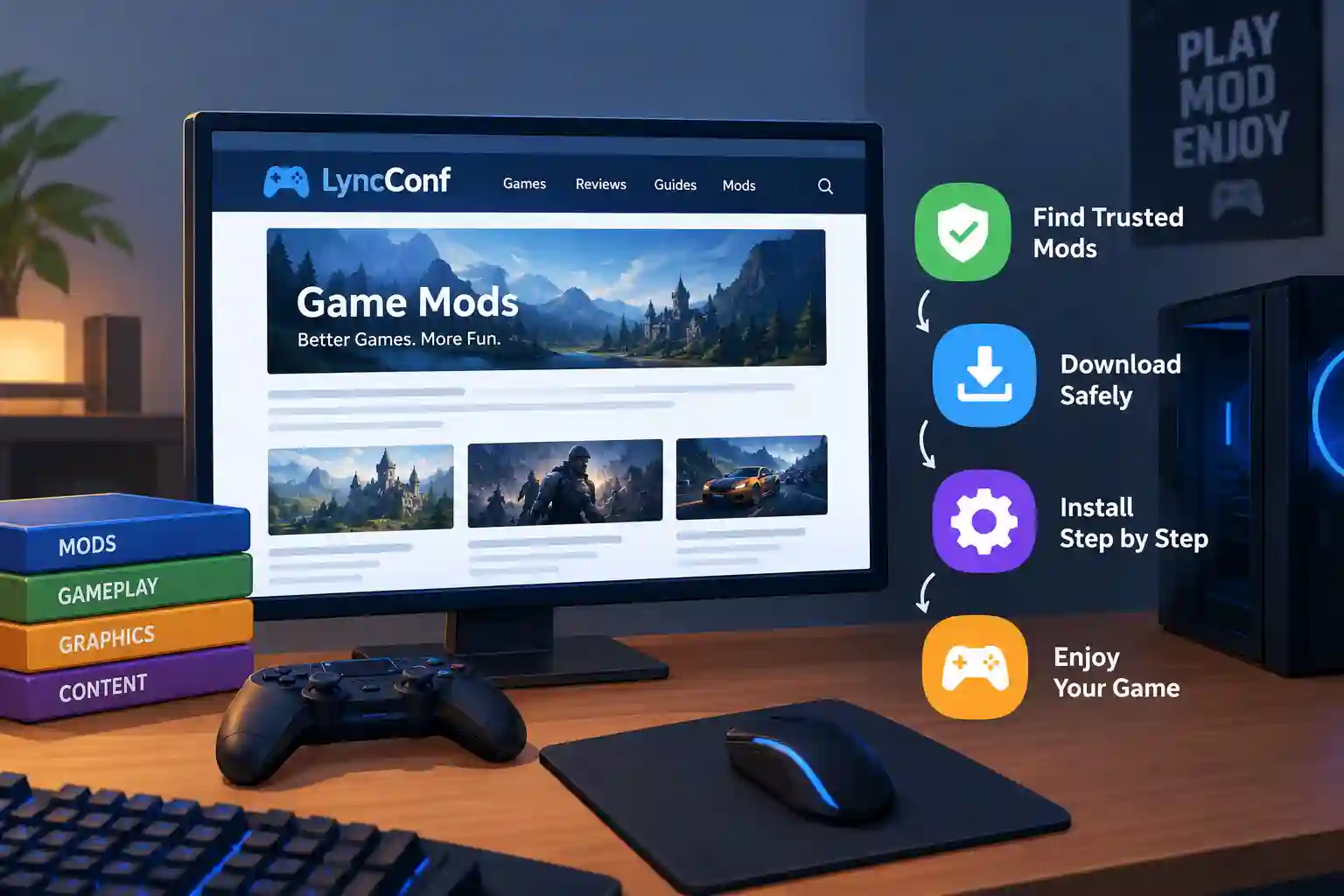
Many gamers search for game mods lync conf and land on confusing pages. Some pages call it a game. Others call it a mod tool, a hub, or even a meeting app. This mix of claims makes the truth hard to find. Meanwhile, modding keeps growing as one of the biggest gaming trends in PC play, so players want clear answers fast.
Worse, one wrong download can crash a game or damage saved progress. Careless clicks can even bring malware onto a PC. This guide solves that problem. It explains what game mods lync conf really refers to, based on what the site itself says. It also shows where to find trusted mods, how to install them, and how to stay safe. Every step uses plain words for beginners.
What Game Mods Lync Conf Really Means
The phrase game mods lync conf points mainly to LyncConf.com, a gaming website. According to its About page, the site launched in October 2017. It first helped players find games similar to ones they already loved. Later, it added reviews, buying tips, error fixes, and mod content. So the phrase most likely means mod guides from that site, not a separate game.
However, not every page online agrees with this view. Some low-quality pages describe a LyncConf game with its own editor and developer kit. Careful readers could not confirm those claims from first-party sources. Therefore, players should treat such details with caution. Clear evidence matters more than repeated claims across many websites.
LyncConf as a Gaming Website
LyncConf.com works as an editorial site. Writers publish game lists, settings tips, and mod recommendations there. Downloads usually point to outside services, such as Nexus Mods or the original creator’s page. This means the site helps with discovery, not file hosting. Players can read about a mod on the site. Then they should find the original source before downloading anything.
Why the Word Lync Creates Confusion
The word “Lync” has an older meaning in tech. Microsoft once sold Lync as a business chat and meeting tool. The company later renamed it Skype for Business and then moved users to Teams. Because “conf” sounds like “conference,” some pages mix the two ideas. A few even imagine gamers using mods with a voice-chat tool. That link is guesswork, not a proven product.
Why Some Pages Call It a Game
Many websites chase search traffic by copying each other. One page invents a feature, and others repeat it. Soon the claim looks true because it appears everywhere. A separate site named LyncConfMods.com also exists. A similar name does not prove the two sites share an owner. Readers should always check the exact domain before trusting any download.
Types of Game Mods Players Usually Look For
Mods are changes that players or fans make to a video game. They can be tiny or huge. A small mod may only change a menu color. A big mod may rebuild the whole story. Good game mods lync conf style guides usually sort mods into groups. These groups help beginners pick the right file for their needs.
Each type also carries different risks. Visual mods may slow a weak PC. Gameplay mods may clash with other changes. Content mods often need extra tools to run. Knowing the type before downloading saves time and stress. It also helps players predict what might break after the next game update.
Visual and Graphics Mods
Visual mods change how a game looks. They can add sharper textures, better lighting, or new character models. Many players love them because old games suddenly look fresh. However, these mods can demand a strong graphics card. Players should compare frame rates before and after installing. If the game feels slow, they can remove the heaviest texture pack.
Gameplay and Quality-of-Life Mods
Quality-of-life mods make a game easier to use. They can improve inventories, maps, menus, and shortcuts. Gameplay mods go further and change combat, difficulty, or the economy. Beginners often start here because the benefits are clear. Still, two gameplay mods may edit the same system. That clash can cause strange bugs, so players should read each mod page first.
Content and Total Conversion Mods
Content mods add new quests, weapons, characters, or maps. Total conversion mods change so much that the game feels brand new. These projects are impressive but complex. They often need a clean install or a separate game profile. Players should read the creator’s notes slowly. Skipping one required file is the most common reason these big mods fail.
Where to Find Game Mods Safely
The best download source is usually not the article that introduced the mod. A guide can show an idea. The file itself should come from a place with clear author details and version notes. This rule matters for every game mods lync conf search, because guides rarely test each file. Strong sources show who made the mod and when it last changed.
Players can pick from several trusted options. Each fits a different kind of game. Some are built into storefronts, while others are community libraries. Choosing the right one depends on the game and platform. Below are three common routes that beginners can use with confidence.
Nexus Mods and Vortex
Nexus Mods is one of the largest libraries for PC mods. Its Vortex manager helps players install, update, and remove files in one place. The site also shows file versions, author names, and user comments. Those details help buyers judge quality quickly. In 2026, Nexus says it is focusing its development on Vortex, so it is a sensible first tool.
Steam Workshop
The Steam Workshop lets players subscribe to mods with one click. Steam then downloads and updates the files automatically. This method is very friendly for beginners. However, not every game supports it. Some Workshop items also need extra tools to work. Players should read the item page before subscribing.
Mod DB and Creator Pages
Mod DB has a long history with community projects, older games, and total conversions. Many creators also host their own release pages. These pages often hold the newest files and clearest notes. When a creator page exists, it is usually the safest source. Players can then compare it with any reupload they find elsewhere.
How to Install Game Mods Step by Step
Installing mods is easier than most beginners expect. The key is a calm, slow routine. Rushing causes most problems, not bad mods. A steady process also makes mistakes easy to trace. With game mods lync conf style guides, the advice stays the same: prepare first, then add mods in small steps.
Every game works a little differently. A Minecraft mod does not install like a Skyrim mod. A Steam Workshop item does not behave like a manual file. Still, the same core habits help everywhere. These habits protect saves, save time, and keep the game stable after each change.
Prepare and Back Up First
Before touching anything, players should note the exact game version, edition, and any add-ons. Then they should copy their save files and settings to a safe folder. This backup takes only minutes. Yet it can save hundreds of hours of progress. Players should also keep a clean, unmodded copy of the game when possible.
Install One Mod at a Time
New modders should add one mod, then launch the game. Next, they should load a test save and look for errors. If everything works, they can add the next file. This slow method makes problems easy to find. When ten mods go in at once, nobody knows which one caused the crash.
Handle Load Order and Dependencies
Some mods need other files to work. These needed files are called dependencies. A mod may also load in a set order. When two mods change the same thing, the later one wins. Mod managers help organize this order. Even so, players should read every requirement list. Missing one library can break a whole setup.
Safety Checks Before You Download
No website can make every third-party file safe. A recommendation does not prove a mod was tested or scanned. So safety depends on the player’s habits. This is true for game mods lync conf pages and every other mod guide. A short checklist before each download prevents most trouble.
Players should also remember that mods are files from strangers. Most creators act in good faith. Still, a few bad files exist. Taking one extra minute to check the source is cheap protection. It is much easier than cleaning a damaged PC later.
Verify the Source and Author
First, players should find the original creator. A real mod page shows an author name, version history, and recent updates. Next, they should confirm the website address in the browser bar. Fake mirrors often copy real pages with tiny spelling changes. Nexus Mods also says it runs security checks and virus scans on uploads. That visible process is more reassuring than an unexplained mirror.
Watch for Red Flags
Certain warning signs appear again and again. Players should avoid any file that asks them to turn off antivirus software. They should be careful with hidden short links and unknown installer programs. Files with no author or version number also deserve doubt. Pages that claim exclusive access without a reason are another bad sign. When in doubt, skip the download.
Multiplayer and Anti-Cheat Rules
Single-player mods are usually low risk for accounts. Online play is different. Many games use anti-cheat systems that may flag changed files. Some servers ban mods that affect fairness. Before joining a match, players should read the developer rules and server rules. A mod that installs fine can still cause an account ban online.
Fixing Common Mod Problems
Even careful players meet bugs. Crashes, missing textures, and failed launches are common. The good news is that most issues have simple causes. Almost always, the problem began with the latest change. That is why small installs and good notes matter so much in any game mods lync conf workflow.
Fixing a problem takes patience, not luck. Players should work backward from the newest change. They should avoid random file deleting, which can make things worse. A clear method finds the cause faster. It also shows which mods deserve a place in the final setup.
Crashes After a Game Update
A game patch can change scripts, libraries, and file layouts. Mods built for the old version may then stop working. Script extenders are especially sensitive to updates. Before updating a heavily modded game, players should check each important mod page. If needed, they can pause updates until creators release fixes. A backup also allows an easy return to the older version.
Mod Conflicts and Clean Removal
Two mods that edit the same item can fight each other. Symptoms include broken menus, odd animations, or crashes. To fix this, players can disable the newest mod and test again. Removing mods needs care as well. Some leave data inside save files. So creators often give special uninstall steps, and players should follow them before continuing an important playthrough.
Use Community Help and Issue Trackers
Many mod tools are open source and live in public code libraries. Browsing games on GitHub shows how creators publish releases, changelogs, and bug lists. Players can read the issues tab to see known problems. They can also post clear reports with their game version and mod list. Helpful details get faster answers from creators and other fans.
Frequently Asked Questions
1. Is game mods lync conf a real game?
No clear evidence shows that it is a standalone game. LyncConf.com describes itself as a gaming website that covers reviews, game tips, and mods. The phrase most likely means mod guides from that site. Players should treat claims about a separate game with caution.
2. Does LyncConf host mod downloads?
Not as a main service, according to the site’s own descriptions. It works more like a content hub. Download links usually lead to outside sources, such as Nexus Mods or creator pages. Always check the final download page before installing.
3. Is LyncConfMods.com the same as LyncConf.com?
Not necessarily. They are different domain names. Similar branding does not prove shared ownership or approval. Players should check the About page, the author, and the original mod creator before trusting either one.
4. What is the safest way to install mods?
Back up your saves first. Then confirm your game version and read the mod’s requirements. Install one mod at a time and test after each. This slow routine makes problems easy to spot and fix.
5. Do mods work on consoles?
Sometimes, but options are limited. Most consoles allow only official in-game mod systems. PC players enjoy far more freedom with mod managers and manual files. Console players should never follow PC-only install steps.
6. Can mods stop working after a game update?
Yes, this happens often. Updates can change files that mods depend on. Check each mod page for new versions before updating a modded game. A recent backup helps if something breaks.
7. Which mod manager should beginners use?
It depends on the game. Vortex suits many PC games, and Steam Workshop is easy for supported titles. Some games work best with their own tools. Read the mod page to see the recommended method.
8. Can mods get my account banned?
They can play online games with anti-cheat systems. Single-player mods are usually safer. Before playing online, check the developer and server rules. When the rules are unclear, avoid using mods in multiplayer.
Conclusion:
The main lesson is simple. Game mods lync conf most likely points to mod guides from a gaming website, not a standalone game. That fact matters because wrong assumptions lead to risky downloads. The smart path is to discover ideas, find the original creator, check compatibility, and back up saves. Slow, careful steps keep games stable and fun.
Ready to start modding? Pick one simple mod for a game you already own. Confirm the version, download from a trusted source, and test it before adding more. Then keep exploring more guides on futuretechguide.it.com to learn safe, smart ways to upgrade your gaming setup.